By Jean Houck April 22, 2026
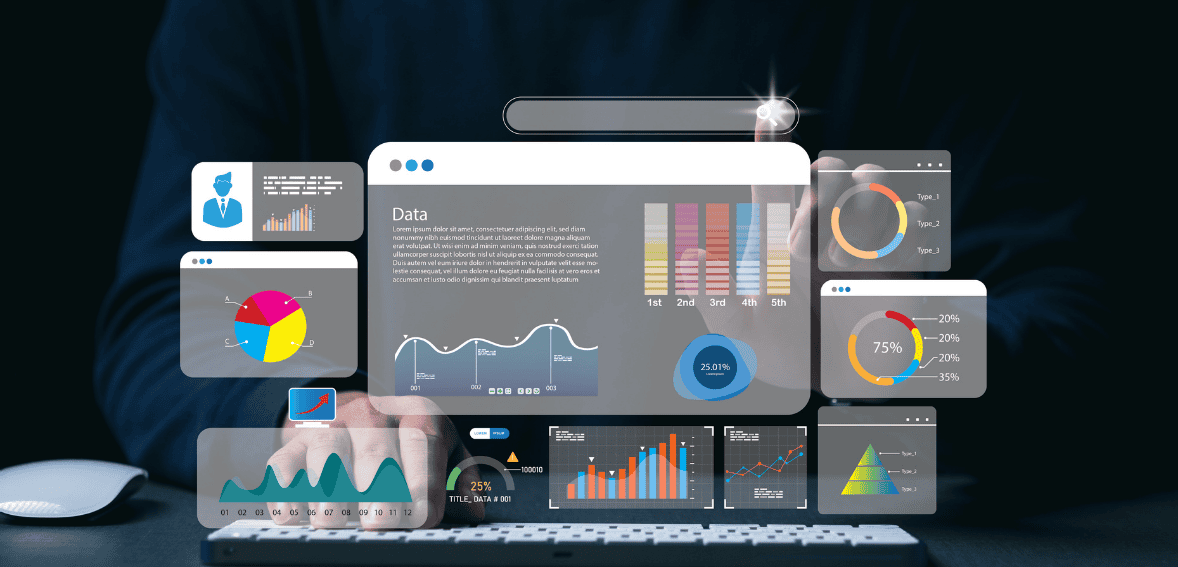
Small businesses do not need more data. They need clearer signals. Many owners already have access to payment reports, bank statements, ecommerce dashboards, and processor summaries. The real problem is that the numbers often live in different places and tell an incomplete story. That is why a well-built payment KPI dashboard matters. It turns scattered payment activity into a practical decision-making tool.
When a dashboard is designed the right way, it helps business owners spot revenue trends earlier, identify failed payments faster, understand customer buying behavior, and make smarter choices about pricing, staffing, inventory, and marketing. It also reduces guesswork. Instead of reacting late, small businesses can respond in real time with confidence.
This guide explains how to build a payments dashboard that is simple, useful, and action-oriented. It covers the right KPIs, how to structure the dashboard, which mistakes to avoid, and how to ensure the data supports better business decisions. If your goal is better merchant analytics, stronger visibility, and more practical payment reporting for small businesses, this framework will help.
Why Small Businesses Need a Payments KPI Dashboard
A payment dashboard is not just a reporting tool. It is a business control center. Every transaction tells a story about sales performance, customer behavior, payment reliability, and operational health. If those signals are buried in spreadsheets or spread across multiple systems, business owners can miss important changes until they become expensive problems.
A strong payment KPI dashboard gives small businesses a way to monitor what is happening now, compare it against historical performance, and decide what to do next. It makes transaction metrics easier to understand. It also helps teams focus on a few meaningful indicators rather than get lost in dozens of vanity numbers.
For example, a drop in total payment volume may appear to be a sales issue at first. But when the dashboard also shows a spike in failed payments or a decline in authorization rates, the problem may be due to checkout friction or payment processing issues rather than the dashboard itself. That difference matters because the solution changes completely.
Start With the Business Decisions, Not the Data
The biggest mistake in dashboard design is starting with available data rather than business questions. A useful dashboard begins by asking what decisions the business needs to make each week or month. Once those decisions are clear, the right metrics become easier to choose.
A small retailer may need to know whether the average order value is rising, whether refunds are increasing, and whether card declines are affecting conversion. A subscription business may care more about recurring payment success, churn linked to failed billing, and revenue recovered from retries. A local service business may want to track payment speed, outstanding invoices, and customer payment methods.
This is why context matters. The best payment reporting for a small business is not the one with the most charts. It is the one that helps answer practical questions, such as: Are we collecting revenue efficiently? Are customers paying without friction? Are failed or delayed payments costing us sales? Are our payment trends improving or getting worse?
The Core Metrics Every Payments Dashboard Should Include
The exact KPIs vary by business model, but most small businesses should start with a focused set of measures covering sales, payment performance, customer behavior, and risk. The dashboard should show gross payment volume, net payment volume after refunds, transaction count, average transaction value, payment success rate, failed payment rate, refund rate, chargeback rate, and payout timing. These are the foundation of clear merchant analytics because they connect revenue and payment operations.
It is also useful to track the authorization rate, especially for online businesses. This metric shows how often payment attempts are approved. If the rate declines, the business may be losing revenue before a sale is completed. Payment method mix is another high-value metric because it reveals how customers prefer to pay. A shift from cards to digital wallets, for example, may influence checkout design and payment provider strategy.
Businesses with repeat customers should also watch customer-level transaction metrics such as repeat purchase rate, revenue per customer, and payment frequency. These numbers help connect payment behavior to customer value. Over time, they can reveal which segments are most profitable and which payment patterns signal future churn.
Build Around Four Decision Zones
A useful dashboard is easier to read when organized into sections based on business decisions. Instead of mixing all the charts together, group the information into four zones: revenue health, payment performance, customer behavior, and exceptions or risk. This structure makes the dashboard more intuitive and keeps attention on action.
The revenue health section should show total volume, net sales, average transaction value, and trend lines over time. This indicates whether payment-driven revenue is growing, stable, or declining. The payment performance section should focus on approval rates, failed transactions, payment method breakdown, and processing speed. This helps identify friction in the payment flow.
The customer behavior section should highlight repeat buyers, order frequency, and payment preferences to inform sales and retention planning. The exceptions area should include refunds, disputes, chargebacks, and unusual spikes or drops, so problems are visible immediately.
This structure works because it aligns with how business owners think. First, they ask how revenue looks, then whether the payment process is working, then how customers are behaving, and finally where the risks are.
Choose the Right Time Frames for Better Decisions
Many dashboards fail because they only show monthly totals. That is not enough. A better dashboard compares multiple time frames, making trends easier to detect. Daily views help identify sudden problems. Weekly views make patterns more visible. Monthly views support bigger strategic decisions.
Small businesses should compare current performance against the previous period and the same period last year when possible. A week-over-week comparison helps spot emerging issues fast. A year-over-year view adds seasonal context. Without this, a business might panic over a revenue dip that is actually normal for that time of year.
The dashboard should also separate real-time metrics from lagging metrics. Real-time metrics such as transaction volume and approval rates support immediate operational decisions. Lagging measures, such as chargebacks and refund trends, remain important but tell a different story. Mixing them without context can create confusion.
Make the Dashboard Easy to Scan
A dashboard should reduce mental effort, not increase it. That means clear labels, limited visual clutter, and simple chart choices. Most small businesses do not need advanced data visualization. They need fast readability. The most useful payment KPI dashboard often uses a mix of summary cards, trend lines, and a few comparison charts.
Place the most important KPIs at the top. Show trends alongside current values so users can see not only the current value, but also whether it is improving. Use consistent date ranges across charts. Avoid too many colors. Reserve emphasis for problems or meaningful changes.
It is also smart to add plain-language interpretation where possible. A dashboard that says “failed payments up 18% this week” is more useful than one that simply shows a raw number without context. Clarity leads to action. Confusion leads to delay.
Connect Payments Data to Business Outcomes
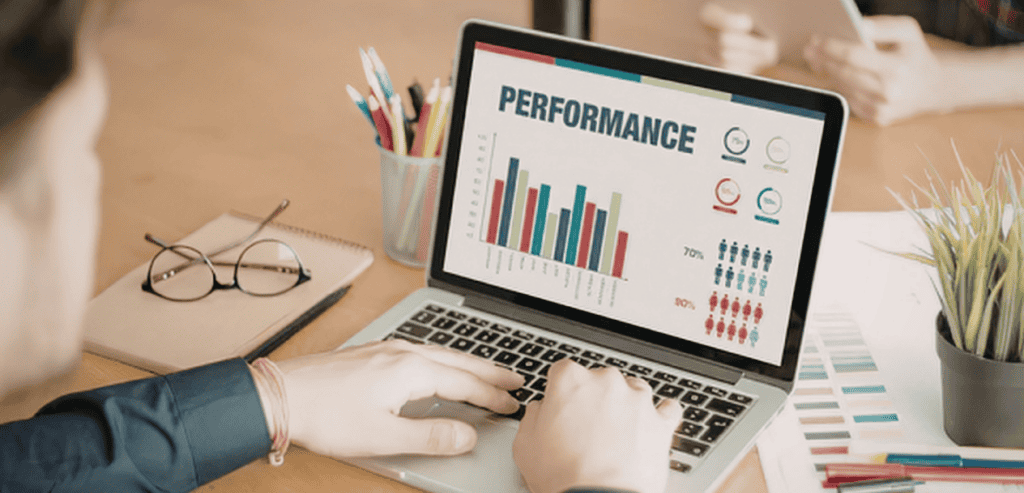
The value of a dashboard extends far beyond analyzing a payment’s journey. It incorporates payment data and outlines the business implications of payment status. It focuses on the impact of payment failures on conversion, net revenue comparisons, and shifts in the product mix when average transaction value changes. With an understanding of merchant analytics, the potential of payment data expands.
Beyond payment data, it outlines sales, customer, and operational data. For an e-commerce company, payment approval rates are easily integrated into checkout analytics. Service-oriented companies can invoice, compare the time and cash gap, and close the loop. Retailers can survey payment methods and compare payment data to in-store promotions. With an understanding of merchant analytics, the impact of data expands.
When a dashboard incorporates payment data alongside sales and customer data, it empowers the business to prioritize more effectively. Not every payment issue should be treated in the same way. The impact of payment issues on the customer experience should be weighed alongside their effects on cash flow and profit. The dashboard’s purpose is to illustrate the impact of each issue.
Stripe
The setup and analytics of the payment solutions used by many small businesses are largely instructional. For example, Strip provides an excellent baseline for analytics, with payment, dispute, and customer analytics. Documentation for Strip is an excellent resource for understanding the potential of payment analytics for your company.
Shopify
Shopify provides significant context on sales and order data for ecommerce businesses, helping strengthen payment reporting for small businesses. Order data becomes valuable once it is integrated with sales data, cart activity, and customer behavior. Businesses using either Shopify Payments or other payment gateways can improve their analytics by integrating platform reports with payments-specific metrics. Shopify’s analytics overview describes how commerce and payment insights complement each other.
U.S. Small Business Administration
The Small Business Administration helps small business owners incorporate dashboard data into their overall financial management. They provide insight into cash flow, financial controls, and business forecasts. This is important because payment data is not simply transaction data. Payment data exists within an overall ecosystem that helps inform and grow a business. This is precisely what dashboards are. This is how the SBA resource center can help small business owners connect dashboard data to their businesses.
Common Mistakes That Make Dashboards Useless
Many dashboards fail because they try to impress instead of inform. One common mistake is tracking too many metrics at once. When every number looks important, nothing stands out. Another mistake is focusing only on top-line volume while ignoring payment quality indicators such as failed transactions, refunds, and disputes. This creates a false sense of performance.
Another major issue is a lack of definitions. If team members do not agree on what “successful payment,” “net revenue,” or “active customer” means, the dashboard can create more confusion than clarity. Inconsistent definitions lead to poor decisions. Data freshness also matters. A dashboard that updates too slowly may hide urgent problems.
Businesses should also avoid building dashboards that answer no specific question. A clean-looking report is not enough. Every chart should justify its place by helping someone make a better decision. If it does not support a real action, it probably does not belong there.
How to Keep the Dashboard Useful Over Time
A dashboard is not a one-time project. It needs regular review. Business priorities change. Payment channels evolve. Customer behavior shifts. The dashboard should adapt to them. A KPI that mattered six months ago may no longer be essential. A new payment method or pricing model may require new reporting.
Review the dashboard monthly and ask whether each section still supports a real decision. Check whether users actually look at the metrics and whether those metrics lead to action. Remove what is not useful. Refine what is. Keep the design focused.
It also helps to assign ownership. Someone should be responsible for data accuracy, updates, and relevance. Without ownership, dashboards often become stale. With ownership, they stay practical and trusted.
What a Good Payments Dashboard Really Does
An ideal payment KPI dashboard doesn’t rely solely on historical data. It accounts for future data and provides small businesses with quicker feedback and advanced warning, with higher clarity, showing the connection between payments and performance. This data supports better customer-related operational and growth decisions.
This is the true value. Improved transaction data, when isolated, has no real value. Improved decisions do. When a small business understands changing variables, their importance, and the likely locations where they affect the business, the dashboard becomes a competitive advantage rather than a reporting tool.
Conclusion
Payments dashboards are built on a foundation of discipline. Focus on the decisions that need to be made. Choose a small number of KPIs that carry real consequences. Organize these KPIs according to how the business owner thinks. Connect payment data to real business value and review the dashboard frequently.
For small businesses, the value of the dashboard is not so much the increased number of charts, but the clarity of the answers. A robust payment KPI dashboard helps safeguard and analyze payment data for small businesses, turning it into actionable transaction data. When decisions do not improve on an occasional basis, the business begins to improve in a very obvious way.
Frequently Asked Questions
What is a payment KPI dashboard?
A payment KPI dashboard is a reporting view that tracks the most important payment-related metrics in one place. It usually includes revenue, transaction count, payment success rate, refunds, chargebacks, and other indicators that help a business understand payment performance and make better decisions.
Which KPIs matter most for small businesses?
The most useful KPIs usually include gross payment volume, net payment volume, average transaction value, payment success rate, failed payment rate, refund rate, chargeback rate, and payout timing. The exact mix depends on the business model, but these are strong starting points for better payment reporting for small businesses.
How often should a payments dashboard be updated?
Most small businesses should display and update essential operational indicators at least daily. They can review their strategy and operations weekly or monthly. Rapid updates allow businesses to identify and address payment-related issues before they affect revenue.
What are merchant analytics compared to traditional payment reports?
Traditional payment reports typically summarize transactions and total sales. Merchant analytics, however, goes deeper. It establishes relationships among payment patterns, customer behavior, business results, risk indicators, and operational choices. Merchant analytics goes the extra mile by telling a business the reasons behind changes in their metrics, not just the changes that have occurred.